START
Download the MPS app.
Install MPS on your Apple or Android device and get started.
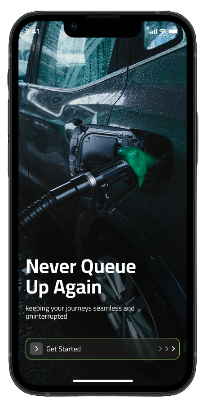
Set up your order in the MPS app, choose when and where you need Fuel, then follow it all the way to your location.
Every step stays clear, so you know what to do and what happens next.
Install MPS on your Apple or Android device and get started.
Tell us exactly where you want MPS to bring your Fuel.
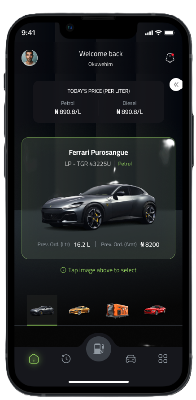
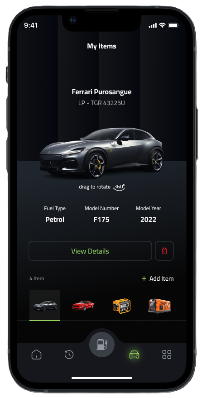
Select the vehicle, generator or other item that needs Fuel.
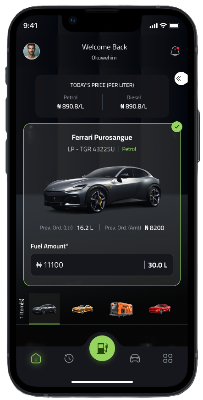
Enter the type and amount of Fuel you need for each item.
Choose a delivery window that works for you.
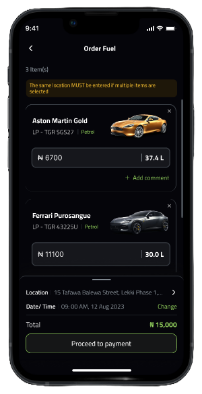
Review the order details and complete payment securely.
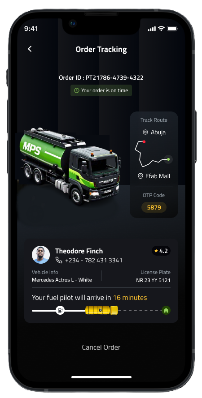
Follow your order in the app while MPS makes its way to your location.